Getting started
Install VibePapers, add your own video, and set a live wallpaper on one display.
Install the unsigned beta
Download the universal DMG from the official website, compare its SHA-256 checksum with the published value, drag VibePapers to Applications, and try to open it. If macOS blocks it, use System Settings → Privacy & Security → Open Anyway.
Create a group
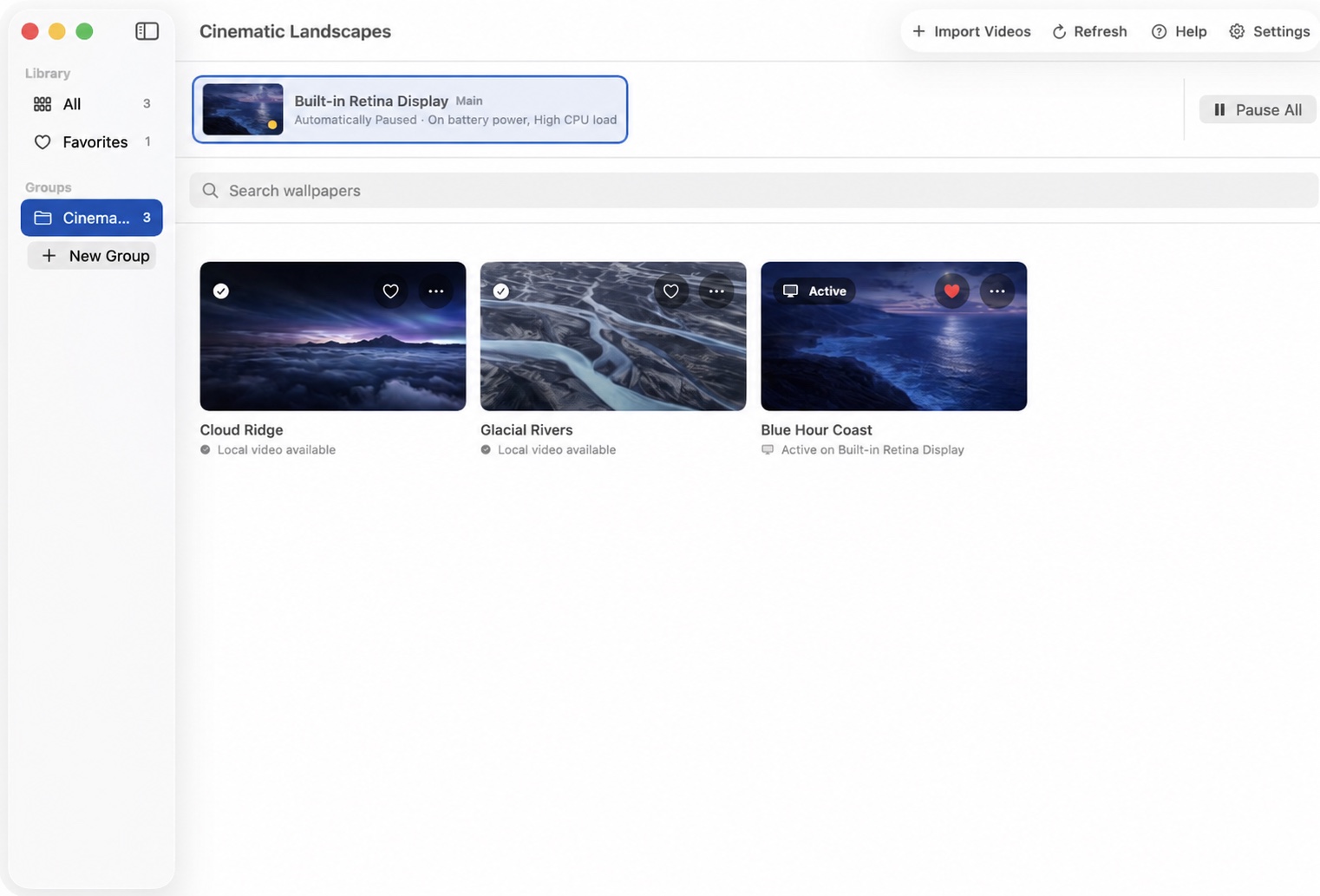
Open VibePapers and create a group for the videos you want to use. Groups keep your local wallpaper library organized and can also be used as shuffle sources.
Import a video
Import or drag in a MOV, MP4, or M4V file. VibePapers copies it into app-managed storage and validates it before playback.
Set the wallpaper
Select a display in the live display ribbon, point to a video, and choose Set Wallpaper. Repeat for other displays if you want different videos on each one.
Keep VibePapers running
The direct desktop engine renders live wallpaper windows while VibePapers is running. Enable Launch at Login if you want assignments to resume after sign-in.
Review troubleshooting or open the configured support channel.