Troubleshooting
Resolve common installation, display, playback, screen-saver, and update problems.
macOS blocks the app
Move VibePapers to Applications and try to open it once. Then open System Settings → Privacy & Security, find the VibePapers message, choose Open Anyway, confirm the warning, and reopen the app. Do not disable Gatekeeper globally.
A wallpaper is not visible
Confirm VibePapers is running, select the intended display, and set the video again. If the engine reports a failure, use Help → Export Diagnostics and review the JSON before attaching it to a support issue.
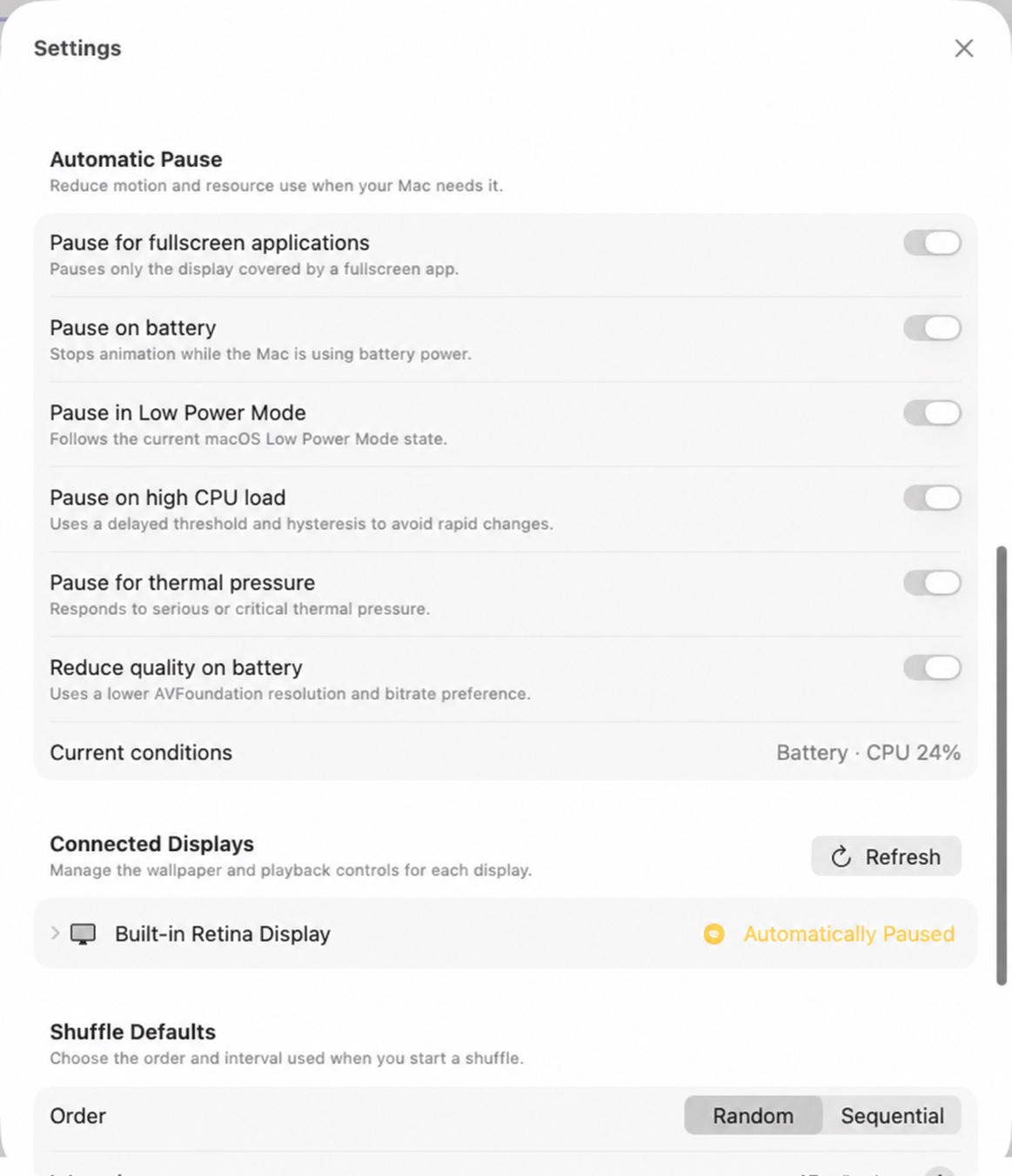
Playback pauses by itself
Review the automatic policies in Settings. Fullscreen apps, battery power, Low Power Mode, CPU load, and thermal pressure can suspend playback independently.
The Screen Saver Beta is unavailable
Confirm the app contains its embedded extension, assign a wallpaper, and use Re-check All Statuses. The direct desktop wallpaper engine remains available even if the Beta integration cannot activate.
Update checking is unavailable
The build may not contain an official HTTPS feed URL and update public key. Download the latest official build from this website instead.
Ask for support
Export diagnostics from the Help menu, inspect the local JSON for anything you do not want to share, and attach it to an issue. VibePapers does not upload diagnostics or telemetry.
Review troubleshooting or open the configured support channel.