Wallpaper controls
Control each display independently and tune playback for your Mac and your workflow.
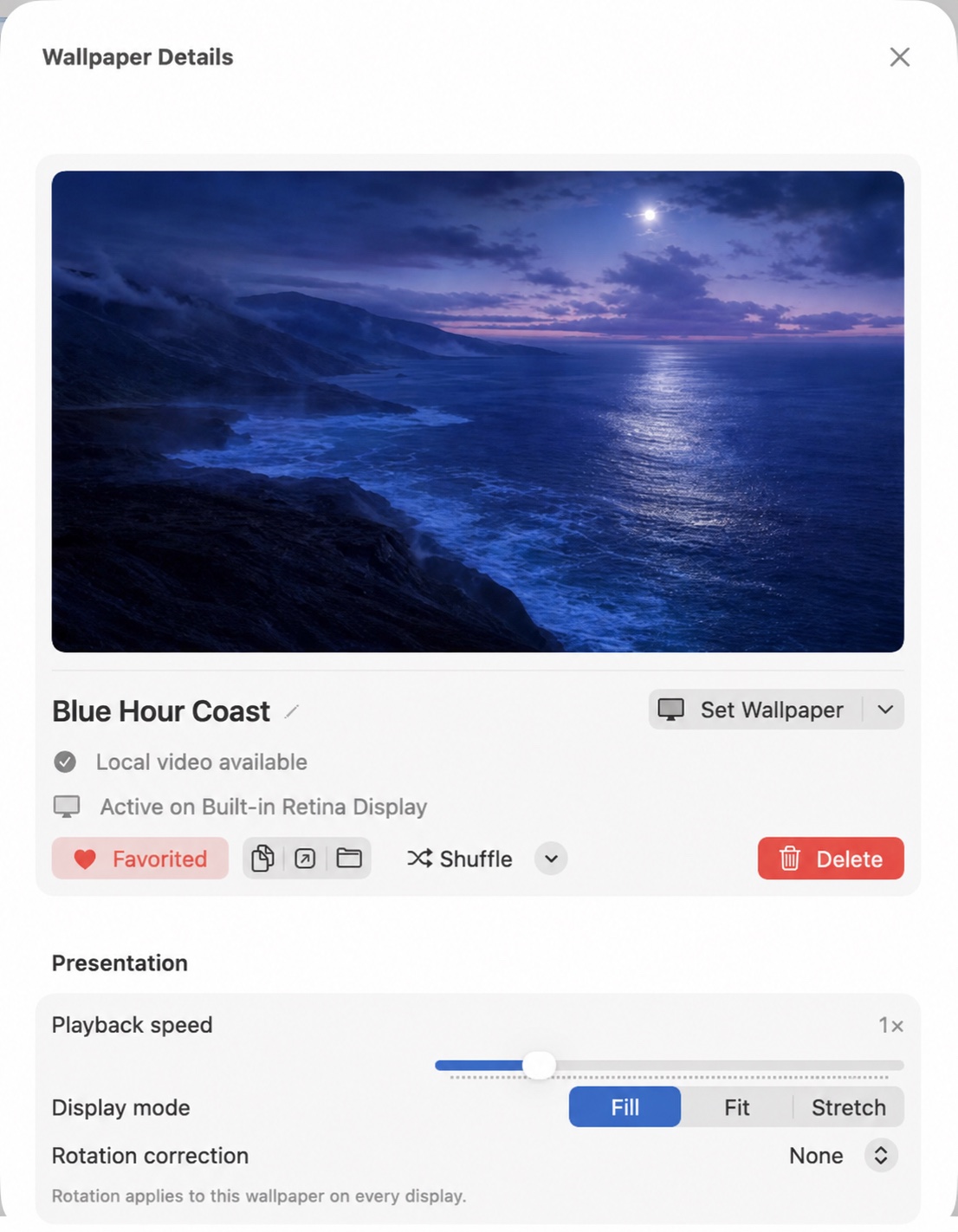
Per-display assignments
Select a connected display before choosing Set Wallpaper. Each display can use its own video, playback speed, content mode, and shuffle state.
Playback and framing
Adjust speed from 0.25× to 4× and choose Fill, Fit, or Stretch. Rotation correction is available for videos whose orientation metadata does not match their content.
Pause and resume
Pause one display or all displays from the main window or menu bar. VibePapers preserves manual pause state across launches.
Automatic pause policies
VibePapers can pause for fullscreen apps, battery power, Low Power Mode, high CPU load, or thermal pressure. It can also reduce AVFoundation playback quality while on battery.
Launch at Login
Enable Launch at Login in Settings so the app starts after sign-in and restores saved display assignments.
Review troubleshooting or open the configured support channel.